Photo to video
Turn one photo into a video worth sharing.
OnePop is a set of professionally designed video templates. Add a photo and your own words and they move, cut and land on the beat. Not an AI-generated video — it is your photo and your words.
No sign-up needed. Free videos carry a small watermark.
Templates
Templates for this
Tap a video and the editor opens with that design. Add your photo and change the words — that is all.
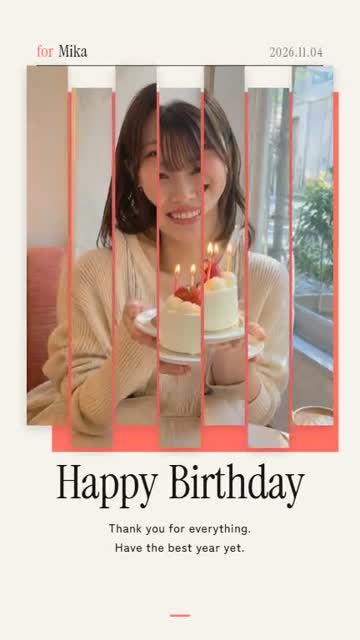 Slice PhotoMagazine-style birthdayUse this template →
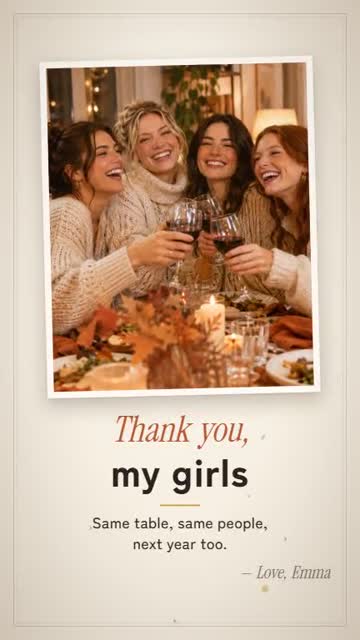 Thankful for YouFriendsgiving with the girlsUse this template →
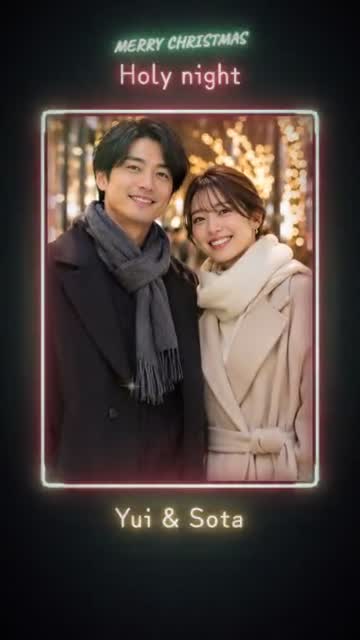 Neon SignOur Christmas in neonUse this template →
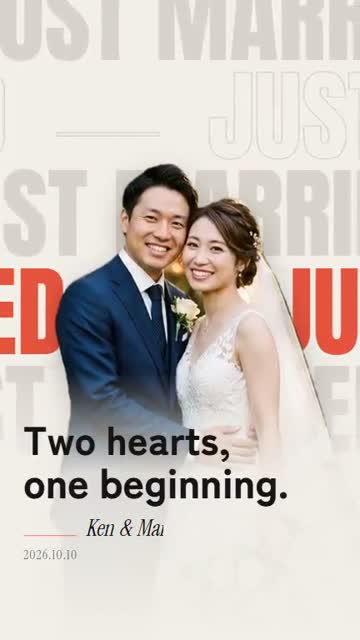 Word WallJust marriedUse this template →
 Pop CutoutMe, todayUse this template →
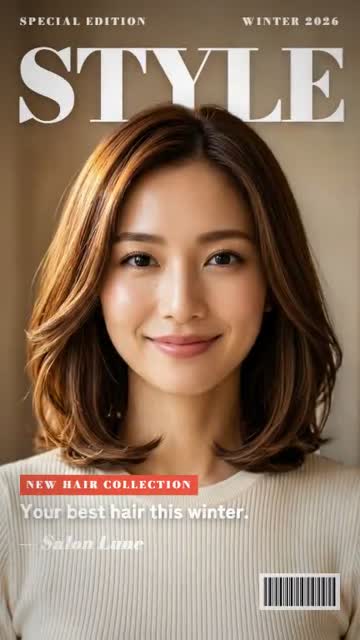 Cover StarHair salon style featureUse this template →
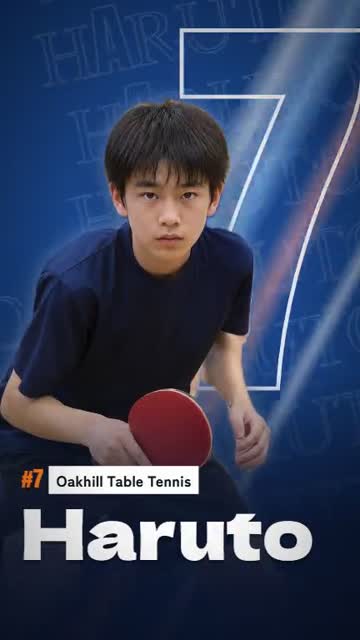 Game DayPre-match hype for a school teamUse this template →
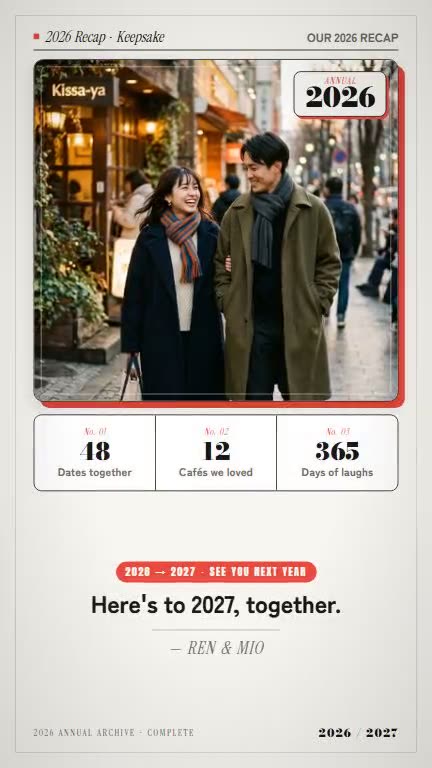 2026 RecapOur 2026 in numbers (couple)Use this template →
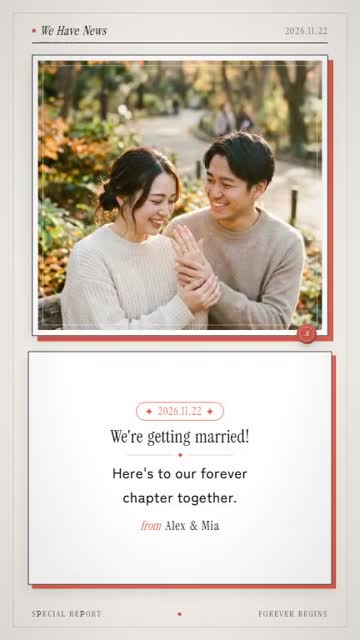 We Have NewsEngagement & proposal revealUse this template →
Why OnePop
No app to install
Make it right in your phone's or computer's browser. There is no editor to learn.
The design is done
Type, motion, cut-outs and music come with the template. You bring the photo and the words.
Made for vertical
Exports in 9:16, ready for Instagram Reels and Stories, TikTok and YouTube Shorts.
How to
Three steps
- 01
Pick a template
Tap a video you like and the editor opens with that design.
- 02
Add your photo and words
Add a photo from your phone and change the sample words. Names and dates too.
- 03
Export and send
Previews are always free. Save the vertical MP4 and send it or post it.
FAQ
Questions
- Will it cut me out of the photo?
- Some templates cut the person out and place them in front of the type. Photos with a person large in frame work best.
- Is it free?
- Yes. You can export 1 video a day free without signing up, or 2 a day once you register your email. Free videos are 720p with a small watermark. A video without the watermark, in 1080p, is $0.99.
- Do I need an app?
- No. OnePop works in the browser on your phone or computer. You get an MP4 you can save to your camera roll.
- Is the video made by AI?
- No. The motion and design are templates made by designers, the video is not generated by AI, and what you see in it is your own photo and your own words.
No sign-up needed. Free videos carry a small watermark.