Save the date video
Save the date, as a video.
A letterpress-style announcement where the date is the star. Add one photo, your names, the date and the place, and send it to everyone you want there — by text, or as an Instagram Story.
No sign-up needed. Free videos carry a small watermark.
Templates
Templates for this
Tap a video and the editor opens with that design. Add your photo and change the words — that is all.
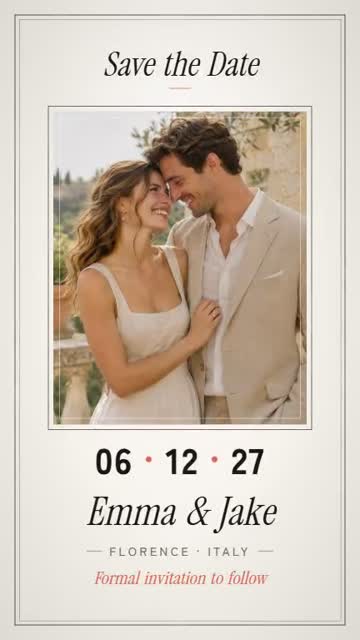 Save the DateWedding save the dateUse this template →
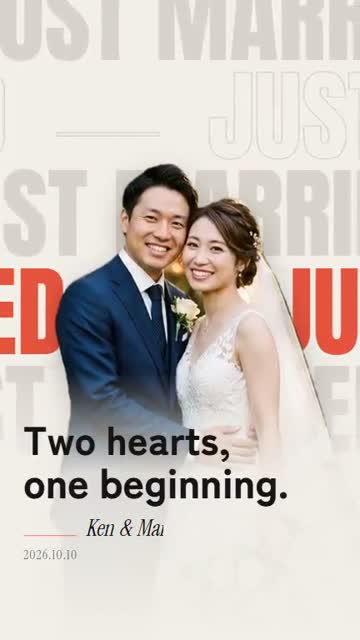 Word WallJust marriedUse this template →
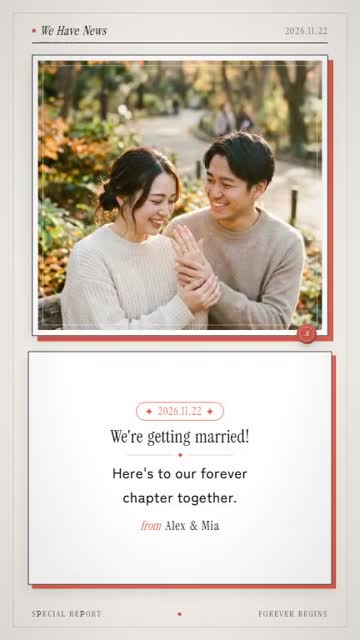 We Have NewsEngagement & proposal revealUse this template →
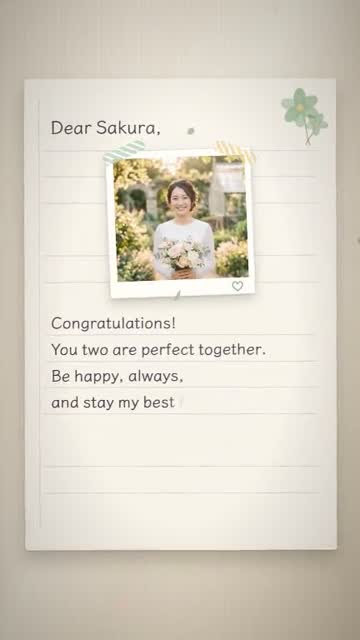 LetterA letter to a friend getting marriedUse this template →
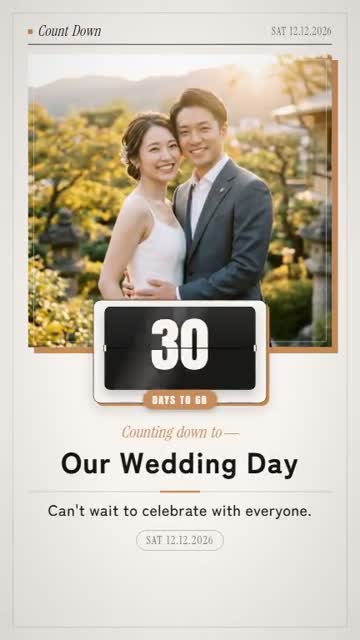 Days to GoCountdown to the weddingUse this template →
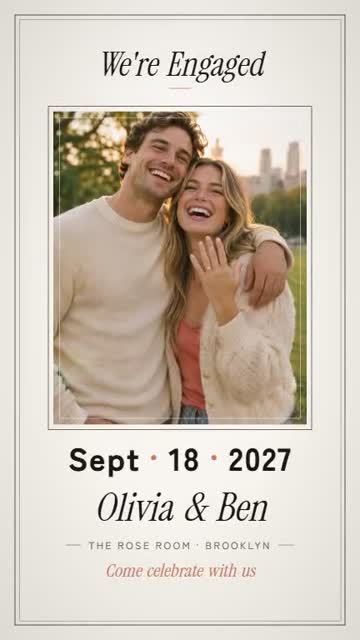 Save the DateEngagement partyUse this template →
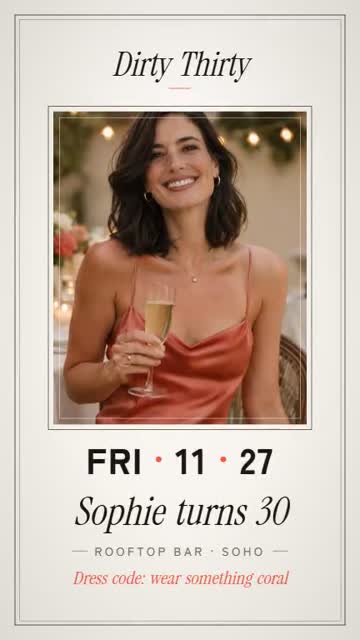 Save the Date30th birthday partyUse this template →
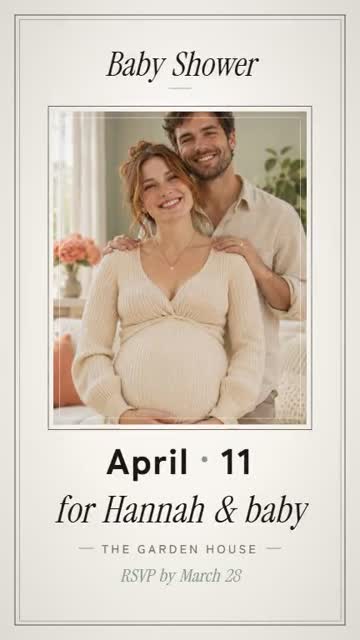 Save the DateBaby showerUse this template →
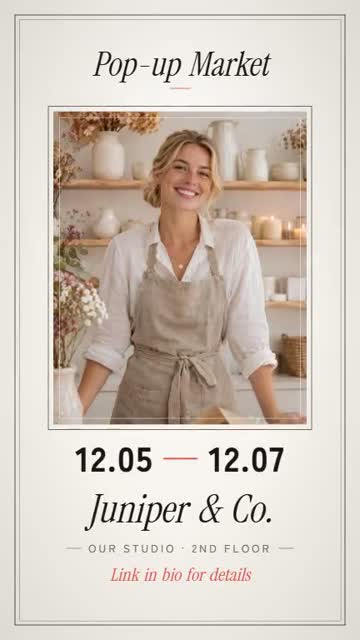 Save the DatePop-up event from our shopUse this template →
Why OnePop
The date comes first
'Save the date' sets in, then your date lands big, the way a printed card would put it.
For more than weddings
There are versions for weddings, engagement parties, baby showers, birthdays and even shop events.
Easy to share
A vertical MP4 you can text to guests or post to your Story. No printing, no postage.
How to
Three steps
- 01
Pick a template
Tap a video you like and the editor opens with that design.
- 02
Add your photo and words
Add a photo from your phone and change the sample words. Names and dates too.
- 03
Export and send
Previews are always free. Save the vertical MP4 and send it or post it.
FAQ
Questions
- Can I change the wording?
- Yes. Names, the date, the place and the message are all your own words.
- Is it free?
- Yes. You can export 1 video a day free without signing up, or 2 a day once you register your email. Free videos are 720p with a small watermark. A video without the watermark, in 1080p, is $0.99.
- Do I need an app?
- No. OnePop works in the browser on your phone or computer. You get an MP4 you can save to your camera roll.
- Is the video made by AI?
- No. The motion and design are templates made by designers, the video is not generated by AI, and what you see in it is your own photo and your own words.
No sign-up needed. Free videos carry a small watermark.